30 FPS battery baseline
Use a cap, lower shadows and reflections, then keep textures as high as memory allows without stutter.
Steam Deck
Steam Deck players need a practical cap, stable frame pacing and clear source labels. Official support notes are tracked here, while exact best settings stay open until repeated tests exist.
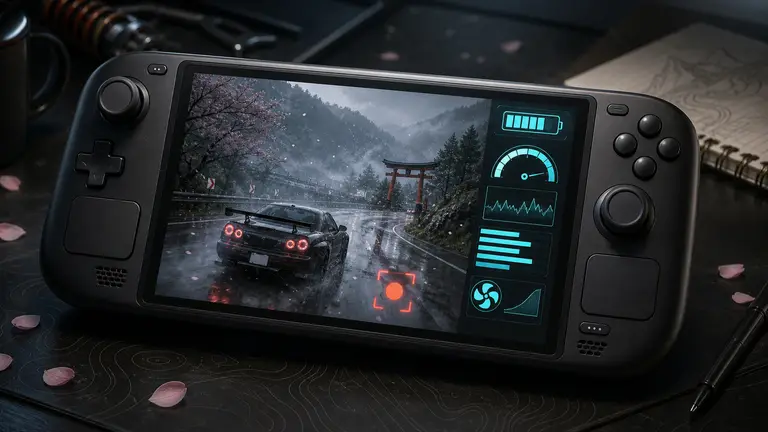
Use a cap, lower shadows and reflections, then keep textures as high as memory allows without stutter.
A 40 FPS target can feel better than 30 while preserving battery, but only if city routes stay consistent.
Docked resolution should be tested separately. A handheld preset rarely scales cleanly to a TV.
Settings test planner
Forza Horizon 6 has a built-in benchmark, live previews and memory readouts. This tool turns those official features into a repeatable test plan; it does not pretend that one preset fits every PC.
Entry PC / Stable play
Starting point
Start from an in-game preset, run the built-in benchmark, then change one graphics group at a time while watching memory use.
Priority logic
Favor repeatable frame behavior over a one-off peak number.
Test scope
Record the result, memory readout and settings before changing the next option.
Boundary
Do not copy a GPU-specific video setting until it has been tested on comparable hardware and game version.